The Complete Web Programming Icon Pack for Modern Creators
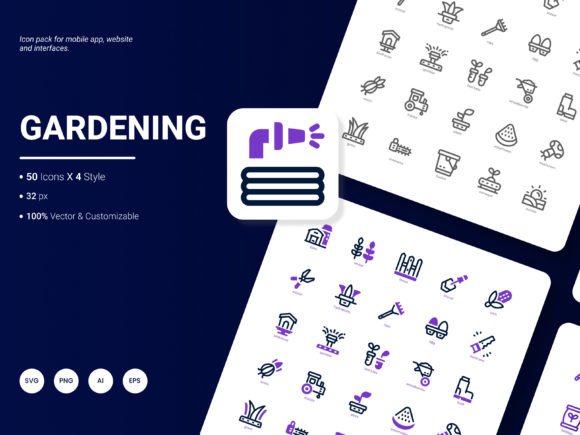
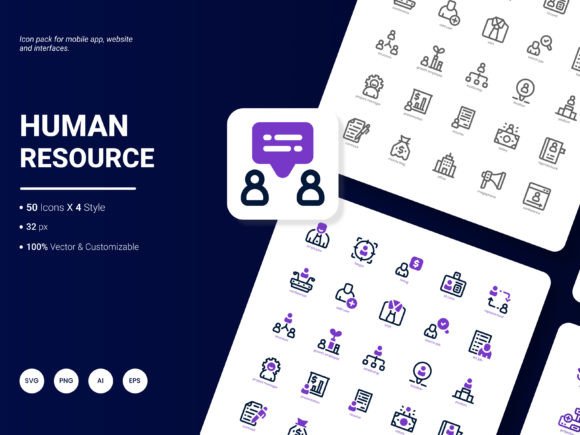
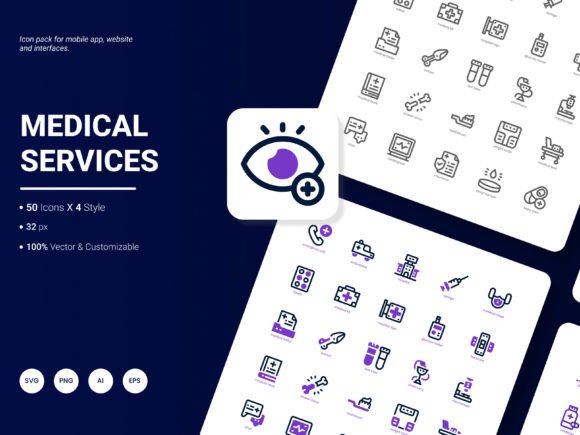
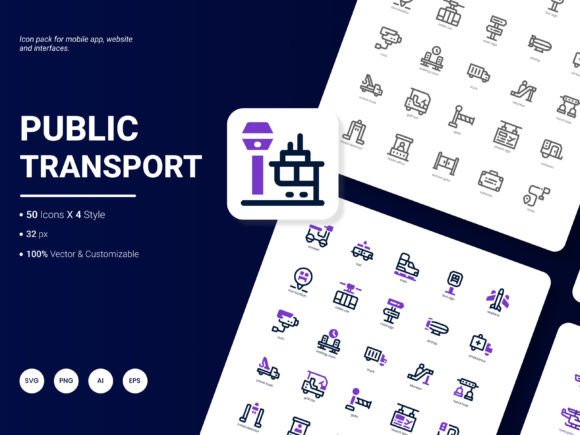
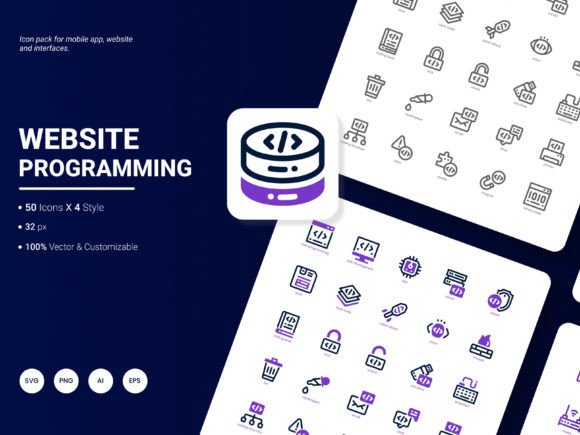
In the digital world, visual communication is paramount. Whether you're building a website, crafting an app interface, or designing a report, icons serve as the universal language that guides users and enhances understanding. The Web Programming Icon Pack is a comprehensive collection of 200 stylish, contemporary icons designed specifically to represent popular web services, technologies, and concepts. It’s more than just a set of pictures; it’s a toolkit for visual storytelling.
What Makes This Icon Collection Stand Out?
This pack is built with flexibility and modern aesthetics at its core. Each icon is crafted in a fresh, trendy style that feels current and professional, avoiding the clunky or outdated look of some free icon sets. The true value lies in its adaptability. You receive each icon in six different file formats: AI, EPS, SVG, PNG, PDF, and JPG. This means whether you're a graphic designer working in Adobe Illustrator, a web developer needing scalable SVGs, or a marketer inserting PNGs into a PowerPoint slide, you have the right file at your fingertips.
Furthermore, the icons are fully editable. You can change colors, resize elements, or even combine parts without losing quality, especially when using the vector formats like AI, EPS, or SVG. This empowers you to match the icons perfectly with your existing brand palette or design theme, ensuring a cohesive visual identity across all your materials.
Solving Real Problems for a Wide Range of Users
Imagine you’re a freelancer building a client’s website. You need to quickly illustrate sections for “Hosting,” “Database,” or “API Integration.” Scouring the web for individual icons is time-consuming and often results in mismatched styles. This Web Programming Icon Pack solves that problem by providing a consistent, themed library. For a blogger writing about tech trends, using a clear “Cloud Computing” or “Cybersecurity” icon in a post makes the content more engaging and easier to digest.
Entrepreneurs and small business owners creating pitch decks or analytical reports can use these icons to visualize data points like “User Growth” or “Server Load,” making complex information accessible. Educators and trainers preparing course materials on web development can employ the icons to create clear, visually aided tutorials. The pack supports the goal of communicating efficiently and professionally, saving hours of design effort.
Practical Applications Across Projects and Professions
The uses for this icon set are vast because “web programming” themes touch so many aspects of digital life. Here are some realistic scenarios:
- Website & UI Design: Use icons for navigation menus, feature lists, service pages, or footer sections. An icon for “JavaScript” next to a service offering, or a “Mobile-Friendly” icon in your design portfolio, adds instant clarity.
- Mobile Applications: Integrate icons into app interfaces to represent settings options, tools, or connection statuses. The scalable SVG format ensures they look sharp on any screen size.
- Presentations & Pitches: Elevate your slides by replacing bland text bullets with visuals for concepts like “E-commerce,” “Social Media Integration,” or “Data Analytics.”
- Infographics & Reports: Chart the steps in a web development process or visualize statistics related to internet traffic using the consistent icon set to maintain a clean, authoritative look.
- Template Creation: If you design website themes, CMS plugins, or dashboard templates for sale or personal use, incorporating these pre-made icons can speed up your workflow and increase the template’s value.
Even casual users or hobbyists running a personal blog about coding can benefit. Adding a relevant icon to a post about a new framework makes the content more polished and shareable.
Key Features to Consider Before You Choose
When evaluating any digital asset, it’s wise to look at the specifics. This pack offers a robust feature set:
- Volume & Variety: With 200 icons, you cover a wide spectrum of topics without needing to supplement from elsewhere. It’s a substantial, one-stop collection.
- Format Flexibility: The six formats cater to different software and needs. Vector formats (AI, EPS, SVG) are for editing and scaling; raster formats (PNG, JPG, PDF) are for quick placement.
- Style Consistency: The pack includes four stylistic variations, allowing some choice while keeping a unified family feel. This helps in creating visual harmony across a project.
- Content Relevance: The icons focus on popular web services and ideas, meaning they are immediately useful for projects related to technology, development, and online business.
Before using the icons, consider your primary software. If you mainly work in standard office suites, the PNG or JPG files will be most practical. If you do custom graphic design, the AI and EPS files will be your go-to for deep customization. Also, think about your need for scalability. For responsive websites that must look perfect on all devices, the SVG format is invaluable.
Integrating Icons into Your Workflow
Once you have the pack, the integration is straightforward. For web projects, you can upload the SVG or PNG files to your server and reference them in your code. In design software like Adobe Illustrator or Figma, you can open the AI or EPS files and drag-and-drop elements into your composition. The editable nature means you’re not stuck with a default color; you can adjust the stroke width or fill color to align with your brand’s hex codes in minutes.
A practical observation for beginners: start by using the icons in their provided state to get a feel for the style. Then, as you become more comfortable with your design tools, experiment with simple edits like color changes. This incremental approach builds confidence without overwhelming you.
The Ongoing Evolution of Digital Resources
Good toolkits evolve. The creators of this Web Programming Icon Pack invite suggestions for their next update. This is an excellent opportunity for users to contribute to the resource’s growth. Perhaps you’ve noticed a rising technology without a clear icon representation, or you need a specific style variation for dark-mode interfaces. Sharing these ideas helps ensure the pack remains relevant and even more valuable for the entire community of creators, professionals, and entrepreneurs.
In essence, this icon pack is a bridge between abstract web concepts and tangible visual design. It supports clear communication, saves valuable time, and elevates the professionalism of any project that touches the digital sphere. By offering extensive format options, editable files, and a contemporary aesthetic, it provides a practical solution for the visual needs of a remarkably diverse audience.